MCP: The Protocol That Lets AI Talk Directly to Your Database, Firebase, and Grafana
Model Context Protocol (MCP) is an open standard connecting LLMs with external data and tools — like USB-C for AI. Learn the architecture, how it works, and my real-world setup: 11 MCP servers from MySQL, Firebase, Grafana LGTM, to Lighthouse.
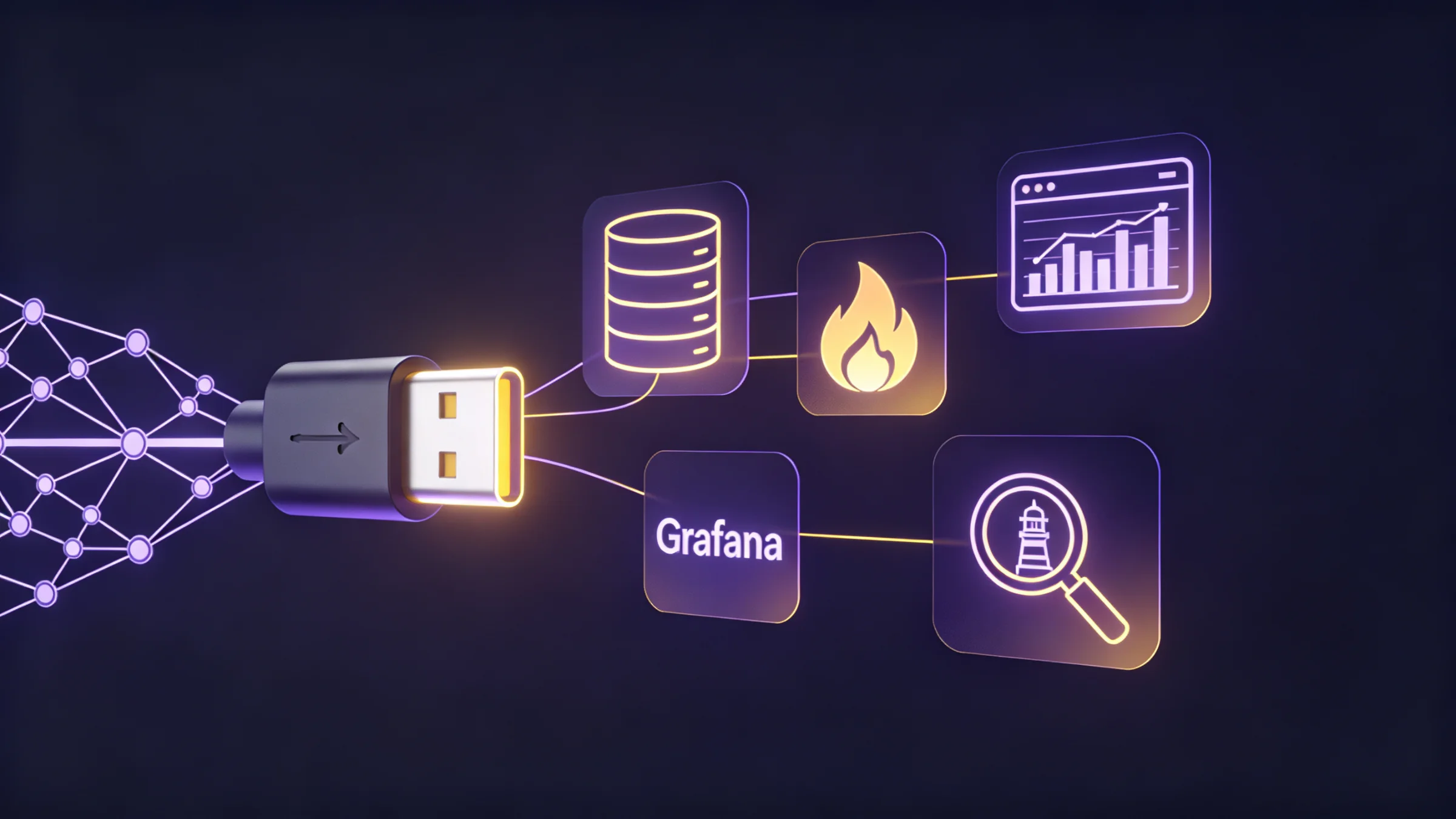
- MCP: "USB-C" for AI
- The Problem MCP Solves
- MCP Architecture
- Three Core Primitives
- Simple Analogy
- Transport Layer
- Lifecycle: From Handshake to Operation
- Initialization
- Discovery
- Operation
- Building Your Own MCP Server
- Real-World Setup: My 11 MCP Servers
- Who Has Adopted It?
- When Should You Use MCP?
- Security Considerations
- Conclusion
- References
MCP: "USB-C" for AI
"The best interface is one that disappears." — Don Norman
TL;DR
Model Context Protocol (MCP) is an open protocol created by Anthropic that standardizes how AI connects to external data and tools. Think of it like USB-C for AI — one standard connection for everything.
The Problem MCP Solves
Prior to MCP, every AI integration with an external tool had to be built custom, one by one. Want to connect to MySQL? Build it yourself. Need access to Firebase? Build another. Grafana? One more.
The result? The M x N integration problem — where M is the number of AI apps and N is the number of tools.
With MCP, the M x N problem becomes M + N — each AI app only needs one MCP client, and each tool only needs one MCP server.
MCP Architecture
MCP follows a client-server architecture inspired by the Language Server Protocol (LSP). Its three main components are:
MCP Host
An AI application that coordinates one or more MCP clients. Examples: Claude Desktop, Cursor, Claude Code.
MCP Client
The component maintaining the connection to the MCP server. Each client has a 1:1 connection with one server.
MCP Server
A program that provides context and capabilities to the AI. Can run locally (stdio) or remotely (HTTP/SSE).
Three Core Primitives
An MCP server exposes three types of capabilities:
Prop
Type
Simple Analogy
| MCP Primitive | REST API Analogy | Example |
|---|---|---|
| Tools | POST /action | Send Slack message, create GitHub issue |
| Resources | GET /data | Read a file, view database schema |
| Prompts | Swagger/OpenAPI docs | Templeates on how to optimally use tools |
Transport Layer
MCP supports two transport methods:
Standard I/O — for MCP servers running on the same machine.
- Communication via stdin/stdout
- Fast and synchronous
- Good for: Firebase, MySQL, Lighthouse, custom LGTM stacks
{
  "mcpServers": {
    "firebase": {
      "command": "npx",
      "args": ["-y", "firebase-tools@latest", "mcp"]
    },
    "mysql": {
      "command": "npx",
      "args": ["-y", "@bytebase/dbhub", "--transport", "stdio",
               "--dsn", "mysql://user:pass@127.0.0.1:3306/mydb"]
    },
    "lighthouse": {
      "command": "npx",
      "args": ["lighthouse-mcp"]
    }
  }
}
HTTP + Server-Sent Events — for remote MCP servers.
- Communication via HTTP requests + SSE streams
- Supports real-time streaming
- Good for: SaaS documentation, Google APIs, cloud services
{
  "mcpServers": {
    "context7": {
      "serverUrl": "https://mcp.context7.com/mcp"
    },
    "mintlify": {
      "serverUrl": "https://docs.yourdomain.com/mcp"
    },
    "stitch": {
      "serverUrl": "https://stitch.googleapis.com/mcp",
      "headers": {
        "X-Goog-Api-Key": "YOUR_API_KEY"
      }
    }
  }
}
Lifecycle: From Handshake to Operation
Initialization
The client sends an initialize request with the protocol version and its capabilities.
The server responds with the capabilities it supports.
// Client -> Server
{
  "method": "initialize",
  "params": {
    "protocolVersion": "2025-11-25",
    "capabilities": { "roots": { "listChanged": true } }
  }
}
Discovery
The client requests a list of available tools, resources, and prompts.
// Client -> Server
{ "method": "tools/list" }

// Server -> Client
{
  "tools": [
    {
      "name": "query_database",
      "description": "Execute SQL query",
      "inputSchema": { "type": "object", "properties": { "sql": { "type": "string" } } }
    }
  ]
}
Operation
The LLM calls tools based on conversational context.
// Client -> Server
{
  "method": "tools/call",
  "params": {
    "name": "query_database",
    "arguments": { "sql": "SELECT COUNT(*) FROM users WHERE active = true" }
  }
}
Building Your Own MCP Server
Here are minimal MCP server examples using TypeScript and Python:
npm init -y
npm install @modelcontextprotocol/sdk zod
import { McpServer } from "@modelcontextprotocol/sdk/server/mcp.js";
import { StdioServerTransport } from "@modelcontextprotocol/sdk/server/stdio.js";
import { z } from "zod";
const server = new McpServer({
name: "weather-server",
version: "1.0.0",
});
// Define the tool
server.tool(
"get_weather",
"Get current weather for a city",
{ city: z.string().describe("City name") },
async ({ city }) => {
// Call a weather API
const weather = await fetch(
`https://api.weather.example.com/${city}`
).then((r) => r.json());
return {
content: [
{
type: "text",
text: `Weather in ${city}: ${weather.temp}°C, ${weather.condition}`,
},
],
};
}
);
// Run the server via stdio
const transport = new StdioServerTransport();
await server.connect(transport);pip install mcp[cli] httpxfrom mcp.server.fastmcp import FastMCP
import httpx
mcp = FastMCP("weather-server")
@mcp.tool()
async def get_weather(city: str) -> str:
"""Get current weather for a city."""
async with httpx.AsyncClient() as client:
response = await client.get(
f"https://api.weather.example.com/{city}"
)
data = response.json()
return f"Weather in {city}: {data['temp']}°C, {data['condition']}"
if __name__ == "__main__":
mcp.run(transport="stdio")Don't Use console.log!
For stdio based servers, never use console.log() because it writes to
stdout and will corrupt your JSON-RPC messages. Use console.error() or a
logging library that writes exclusively to stderr.
Real-World Setup: My 11 MCP Servers
This isn't just theory — here is the MCP configuration I use daily in Gemini CLI and Claude Code:
The Lesson From This Setup
Notice the pattern: there are 3 classes of transport I use:
- npx/uvx via stdio — for tools running locally (Firebase, MySQL, Lighthouse)
- node custom script — for MCP servers I built myself (LGTM)
- Remote serverUrl — for SaaS services (Context7, Mintlify, Google Stitch)
All three function simultaneously inside a single AI host. That is the raw power of the MCP standard.
Who Has Adopted It?
MCP isn't just an Anthropic standard — it has effectively become an industry standard:
| Company | Adoption |
|---|---|
| Anthropic | Creator; native support in Claude Desktop & Claude Code |
| OpenAI | Officially adopted March 2025; integrated in ChatGPT Desktop |
| Cursor | The first AI IDE to fully support MCP |
| Block | Integrates MCP apps into their Goose AI agent |
| Linux Foundation | MCP donated to the Agentic AI Foundation (AAIF) |
97 Million Downloads
As of December 2025, the MCP SDK hit 97 million monthly downloads across all programming languages. This isn't an experiment — it's a production-grade protocol.
When Should You Use MCP?
Use MCP When...
You want your AI to access external data/tools securely, standardly, and reusably. Example: A coding assistant querying MySQL, deploying Firebase, and auditing via Lighthouse all at once.
Don't Use MCP When...
You only need a one-time simple API call, or the data can easily be hardcoded directly into a prompt without needing real-time access.
Security Considerations
MCP Security
MCP doesn't mean "open all the doors". Some critical security principles:
- Principle of Least Privilege — Expose only the absolute necessary tools
- Input Validation — Always validate LLM input before execution
- Access Control — Limit which directories, databases, and APIs can be hit
- User Confirmation — For destructive actions, demand explicit user confirmation
- Audit Logging — Log all tool calls for strict accountability
Conclusion
MCP transforms how we integrate AI into the real world. Moving from custom-built, bespoke integrations tailored for every single permutation of an AI app and tool, we now have a single, universal protocol.
As an engineer, this feels like an inflection point similar to the advent of the REST API — a standard accelerating ecosystem growth simply because everybody is speaking the same language.
MCP isn't about making AI inherently smarter — it's about making AI fundamentally more useful.