97% Website Gagal di Accessibility Test — Apa yang Kamu(e) Lakukan Salah?
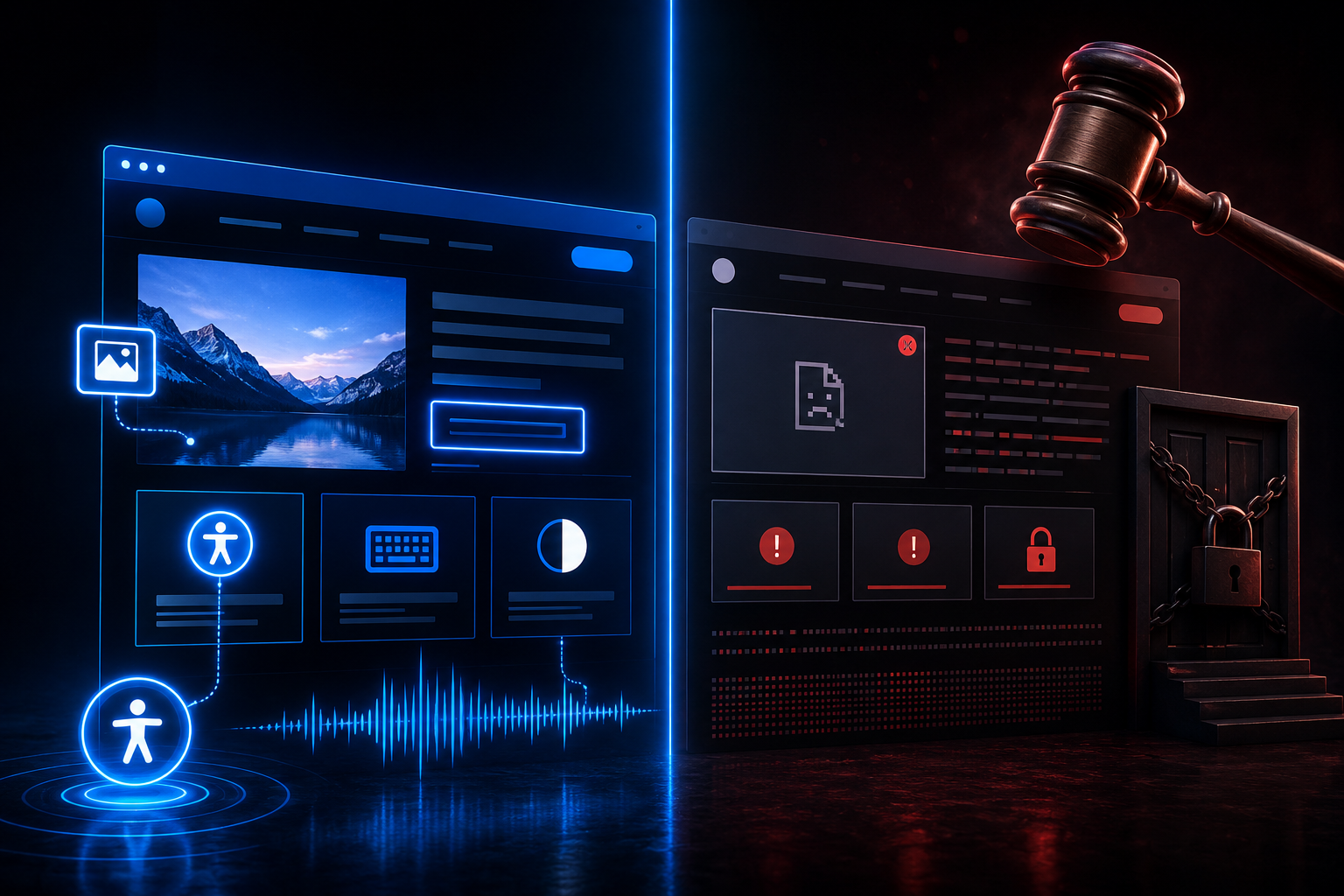
Kebanyakan developer menganggap accessibility itu 'nggak urgent' sampai mereka kena lawsuit. Belajar WCAG 2.2, prinsip POUR, dan teknik implementasi yang bisa langsung kamu terapin sebelum digital kamu jadi mimpi buruk legal — dan yang lebih penting, tentang kemanusiaan.
Faisal Affan
Diterbitkan
Galeri
1 / 3
Accessibility: Kapan Digital Tidak Boleh Ada yang Tertinggal
"The power of the Web is in its universality. Access by everyone regardless of disability is an essential aspect."
— Tim Berners-Lee, W3C Director
Mengapa Kamu Perlu Baca Artikel Ini?
3 Alasan Cepat:
Legal risk — 4.000+ lawsuit accessibility di AS tahun 2024
15% populasi — punya keterbatasan, dan mayoritas developer skip ini
SEO benefit — accessibility = structure HTML lebih baik
Statistik Kritis
1,3 miliar penyandang disabilitas global. 97% homepage tidak memenuhi standar dasar. Pasar assistive technology: $30 miliar+.
Overview: Apa Itu Accessibility (A11y)?
Accessibility (A11y) = praktik membuat produk digital bisa digunakan oleh semua orang, termasuk penyandang disabilitas.
Dua Standar yang Harus Kamu Tahu
Property
Type
Description
ADA — Americans with Disabilities Act
Hukum
Legal compliance di AS. Website bisa dituntut jika tidak accessible.
WCAG — Web Content Accessibility Guidelines
Teknis
Standar global dari W3C. Jadi acuan implementasi.
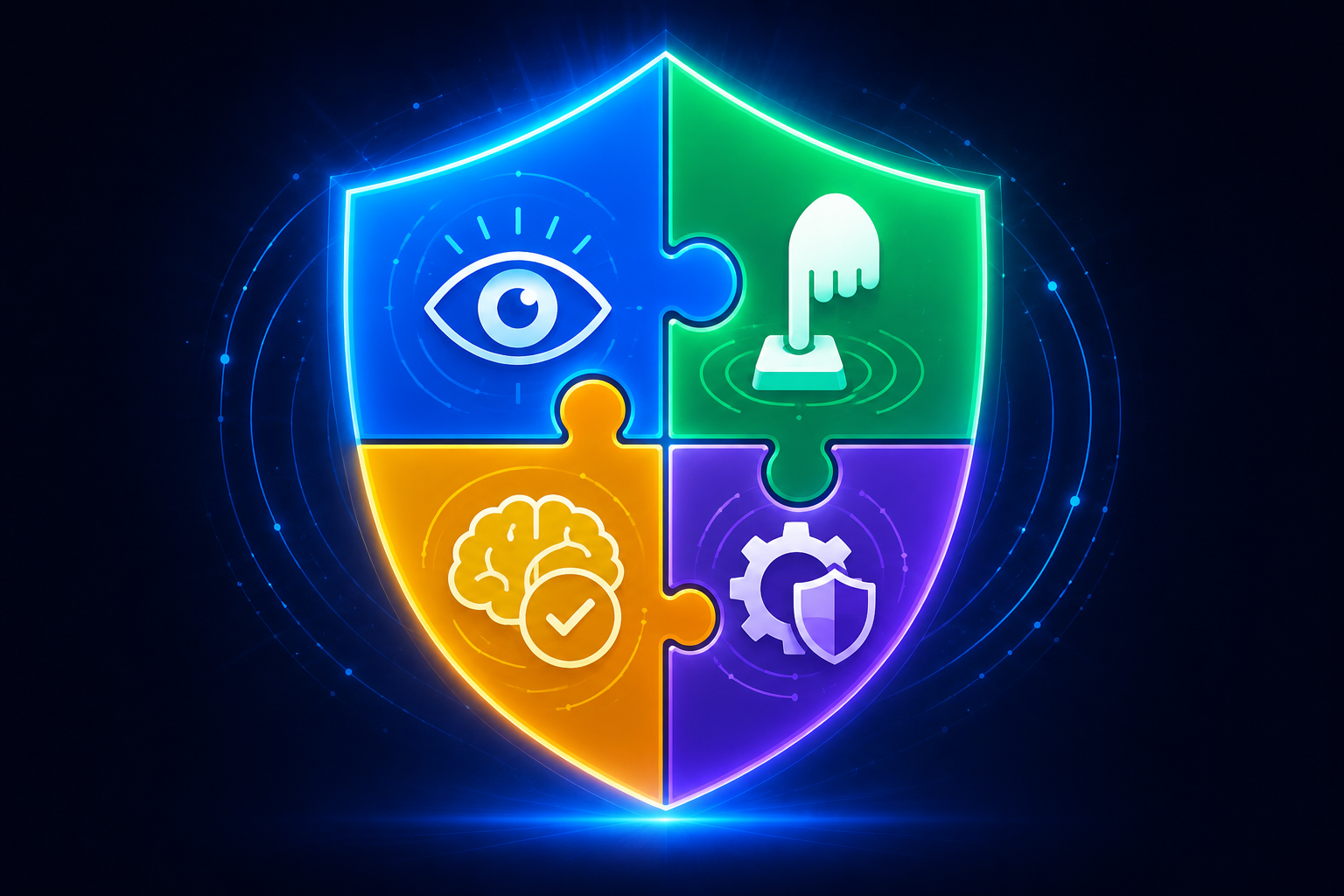
Prinsip WCAG: POUR
graph TD
    A[WCAG POUR] --> B[Perceivable]
    A --> C[Operable]
    A --> D[Understandable]
    A --> E[Robust]

    B --> B1[Alt text]
    B --> B2[Caption/Transkrip]
    B --> B3[Kontras warna 4.5:1]

    C --> C1[Keyboard navigation]
    C --> C2[Skip links]
    C --> C3[No keyboard trap]

    D --> D1[Language jelas]
    D --> D2[Navigasi konsisten]
    D --> D3[Error suggestions]

    E --> E1[Valid HTML]
    E --> E2[ARIA tepat]
    E --> E3[Screen reader compatible]
Spektrum Disabilitas yang Harus Ditampung
Property
Type
Description
Visual
Screen reader (JAWS, NVDA, VoiceOver)
Alt text, kontras tinggi, keyboard nav
Motorik
Switch access, voice control
Target besar, keyboard nav, respons lama
Auditif
Hearing aids, captioning
Transkrip, caption, visual alerts
Kognitif
Screen magnifiers, reading assistants
Konten sederhana, nav konsisten
Level WCAG: Mana yang Harus Kamu Targetkan?
Level A — Minimum
Requirements dasar. Jika miss, website akan fail accessibility test.
Level AA — Standar Industri
Target kebanyakan regulasi. Compliance yang reasonable untuk kebanyakan organisasi.
Level AAA — Strict
Full compliance jarang diperlukan. Strictest requirements.
Rekomendasi
Targetkan WCAG AA sebagai baseline compliance. Ini yang kebanyakan regulasi international pakai.
Risiko Jika Kamu Skip Accessibility
4 Risiko Utama:
Risiko
Dampak
Legal
Lawsuit di US/EU market — bisa sangat mahal
Users
15-20% populasi dengan keterbatasan tidak bisa pakai
SEO
Struktur HTML buruk = SEO suffers
Brand
Non-inclusive = brand image rusak
WCAG 2.2: 9 Hal Baru yang Perlu Kamu Tahu
Versi terbaru (Oktober 2023) menambahkan 9 Success Criteria baru:
1
Focus Not Obscured (AA)
Element dengan focus tidak boleh tersembunyi oleh sticky headers.
2
Focus Appearance (AAA)
Focus indicator harus kontras 3:1+ dan area yang cukup besar.
3
Dragging Movements (AA)
Semua drag-and-drop harus punya alternatif single-pointer (button up/down).
4
Target Size (AA)
Interactive targets minimal 24x24 CSS pixels.
5
Target Size Enhanced (AAA)
Clearance yang cukup untuk target yang lebih kecil.
6
Consistent Help (A)
Help mechanism di satu page = help di semua page dengan posisi konsisten.
7
Redundant Entry (A)
Jangan minta informasi yang sudah di-input sebelumnya.
8
Accessible Authentication (AA)
CAPTCHA cognitive puzzles tidak diperbolehkan — berikan alternatif.
9
Focus Not Obscured Enhanced (AAA)
Tidak ada bagian focused element yang boleh tersembunyi.
Kerangka Hukum: ADA dan Section 508
Americans with Disabilities Act (ADA)
Property
Type
Description
Title I
Employment
Employees dengan disabilitas harus dapat akomodasi reasonable
Title III
Public Access
Public accommodations — termasuk websites — tidak boleh diskriminasi
Sejak Facebook v. Nizzud (2019) dan Domino's Pizza v. Laredo (2019), courts secara konsisten memutuskan ADA berlaku untuk websites.
Section 508
Untuk entitas federal AS, semua EICT harus memenuhi standar Access Board.
Implementasi Praktis: Dari Teori ke Kode
1. Semantic HTML: Fondasi yang Tidak Boleh Di-skip
Di healthcare, compliance bukan cuma WCAG — harus selaras dengan HIPAA Privacy Rule. Beberapa akomodasi accessibility harus mempertimbangkan implikasi HIPAA.
Action Plan: Dari Mana Mulai?
Priority 1: Security Mindset
Treat accessibility seperti vulnerability. Broken accessibility = UX vulnerability. Sama seperti security, harus diintegrasi dari awal.
Priority 2: WCAG AA Minimum Checklist
Alt text semua image
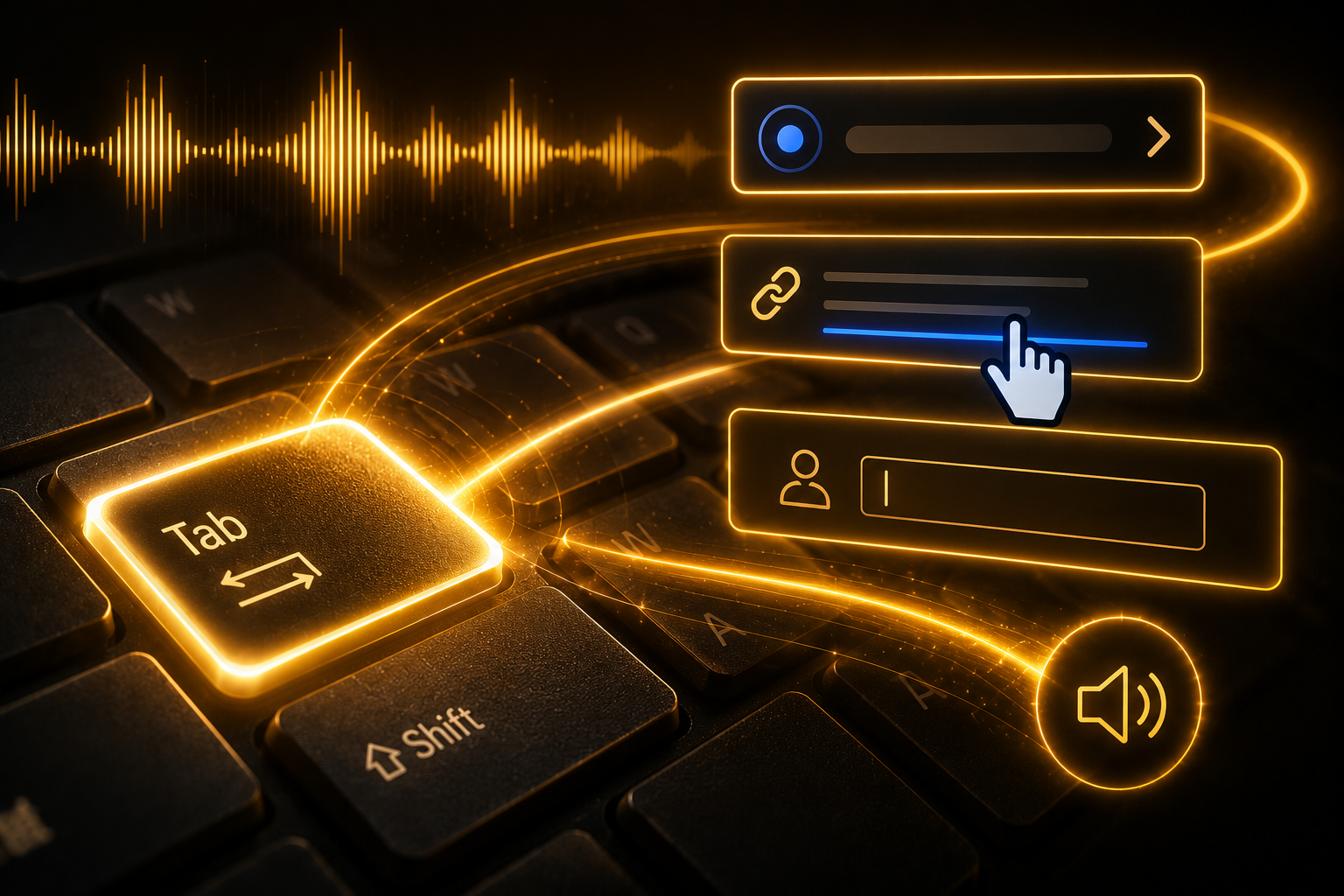
Keyboard fully usable
Contrast ≥ 4.5:1
Label form jelas
ARIA hanya jika perlu
Priority 3: Minimum Stack
Lighthouse — quick check
axe DevTools — debug
NVDA / VoiceOver — manual reality check
Priority 4: Production-Grade
Pa11y / axe CI integration
Design system enforce contrast + semantics
Fail build jika accessibility score < threshold
First-Principles: Accessibility ≈ API Contract untuk Manusia
Insight
Jika API harus predictable untuk machine, maka UI harus predictable untuk manusia dengan berbagai keterbatasan.
Engineer yang paham ini biasanya:
Code lebih semantic
UX lebih robust
Bug lebih sedikit
Accessibility Tools = Observability Layer untuk UX
Tanpa ini:
UI kelihatan "normal"
Tapi broken untuk sebagian user
Dengan ini:
UX jadi measurable (seperti latency / error rate)
Kesimpulan
Accessibility bukan feature yang ditambahkan di akhir — ia adalah fundamental architecture principle.
Final Action Items
Audit current state dengan axe-core atau Lighthouse
Fix high-impact issues: keyboard navigation, alt text, color contrast
Implement skip links dan focus management
Add accessibility ke Definition of Done
Regular testing dengan assistive technology
Accessibility yang baik = good design. Ketika kita membangun untuk edge cases, seluruh user experience meningkat.
Digital yang truly universal = digital yang bekerja untuk semua orang, tanpa terkecuali.
System design search dan catalog untuk quick commerce dengan 15.000+ SKU. Elasticsearch full-text search dengan multi-match query dan typo tolerance (fuzziness), filter ketersediaan per-hub via Redis pipeline query-time filtering, ranking berbasis relevansi, ketersediaan, margin, dan popularitas, index update via Kafka streaming, dan autocomplete handler. Implementasi Golang lengkap dengan worker concurrency pattern untuk index sync.
System design real-time order tracking untuk quick commerce. Driver GPS ingestion via WebSocket dengan throttling dan validasi, Kalman filter untuk position smoothing, Redis pub/sub fan-out by order ID untuk scale ribuan driver concurrent, dan Server-Sent Events (SSE) push ke user client. Implementasi Golang dengan pattern WebSocket goroutine pool, pub/sub broker, dan concurrent connection management.
Desain inventory per-hub untuk Astro (instant grocery). Reservation pattern dengan Redis DECRBY atomic + TTL, async sync ke Postgres, stock partitioning untuk hot SKU, reaper job untuk reservation leak, dan cycle counting untuk stok fisik vs sistem. Implementasi Golang lengkap.
System design promo engine untuk quick commerce. Rule engine dengan kondisi komposable (min transaksi, first-N-order, area, kategori) ke efek (discount, free ongkir), atomic counter untuk limit penggunaan Redis Lua, anti-fraud device fingerprinting, stackable vs eksklusif promo resolution, dan budget cap. Implementasi Golang lengkap dengan composable condition interface, AND/OR composite tree, concurrent-safe redeem, serta Kafka event streaming untuk audit trail.